 |
Logo 1024 x 764 or 800 x 600
|
 |
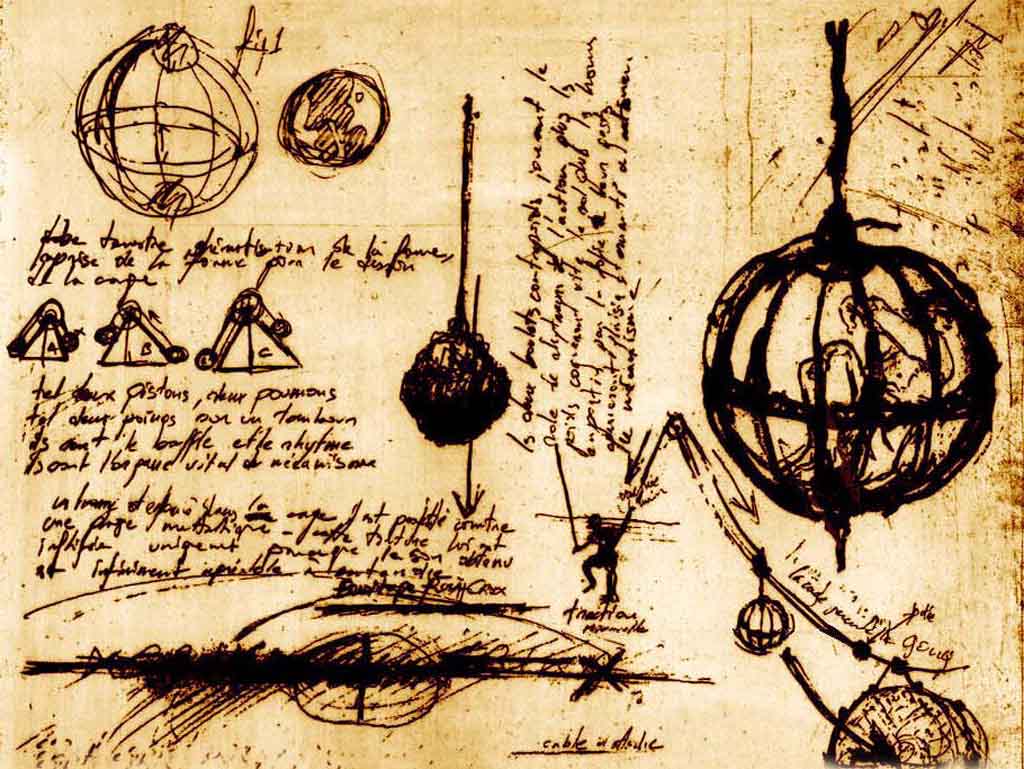
Noctes Insomnes 1024 x 764 or 800 x 600 |
 |
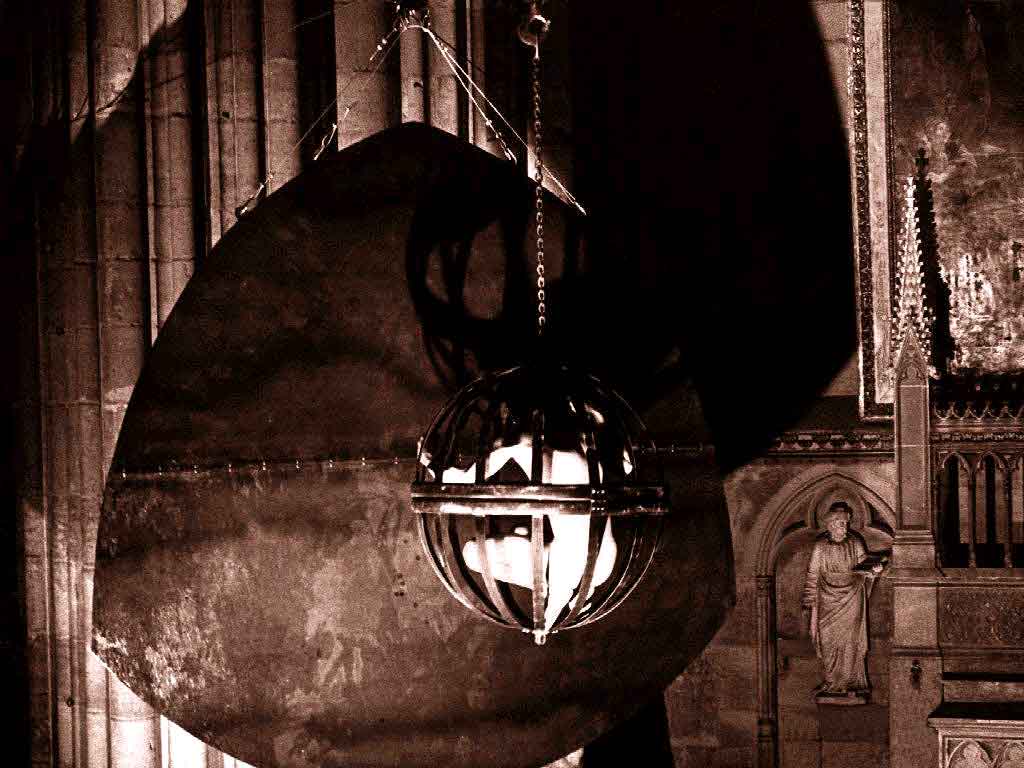
Performance Cage 1024 x 764 or 800 x 600 |
 |
Engraving 1024 x 764 or 800 x 600 |
 |
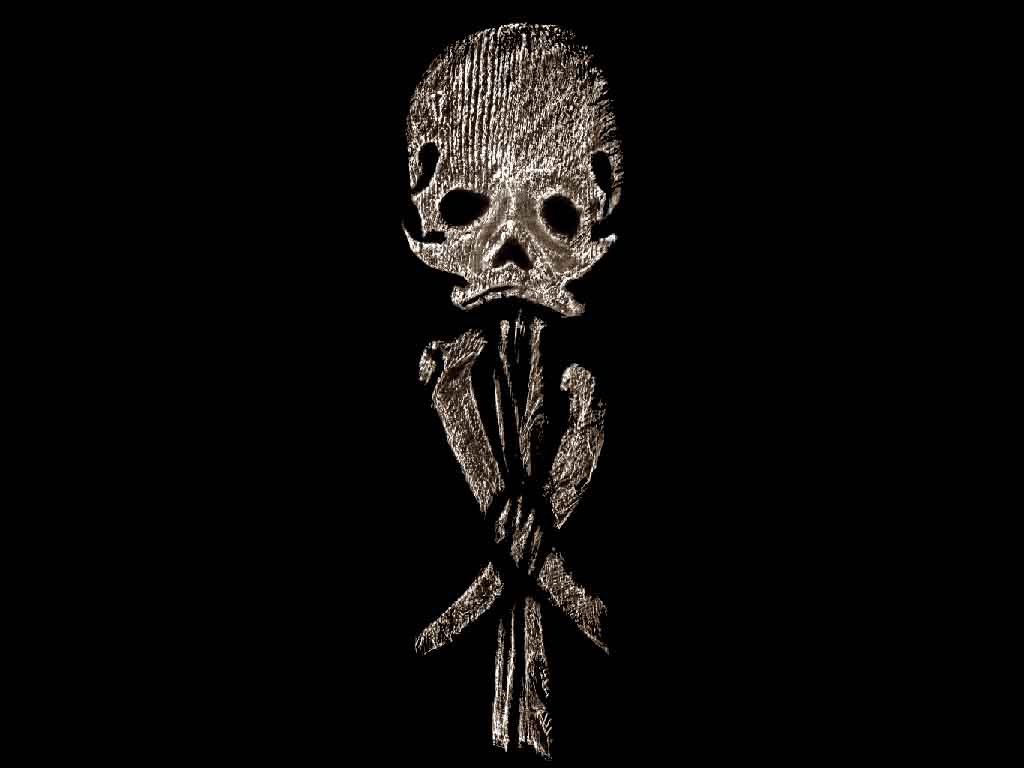
Funeral ornament 1024 x 764 or 800 x 600 |
B a
c k s c r e e n
download the image, then with the right button of the mouse: "To draw up as a wallpaper"
|
Logo 1024 x 764 or 800 x 600
|
|
Noctes Insomnes 1024 x 764 or 800 x 600 |
|
Performance Cage 1024 x 764 or 800 x 600 |
|
Engraving 1024 x 764 or 800 x 600 |
|
Funeral ornament 1024 x 764 or 800 x 600 |
Ic o n s
 |
 |
 |
 |
 |
170 icons 32 x 32 (zip 183k) |
Ec r e e n s o f s l e e p
|
Noctes Insomnes ... (zip 689k) The cover appears and diseppears... |
|
|
A Rosa†Crvx flag which floats
... (zip 59k)
|
 |